Sticker prints from files
Different sticker medias
Supply us with your artwork as a high quality PNG with a transparent background, or as an SVG or .ai file.
For large-scale stickers you may need to instead explore our vinyl printing service. Enquire with our team for further information.
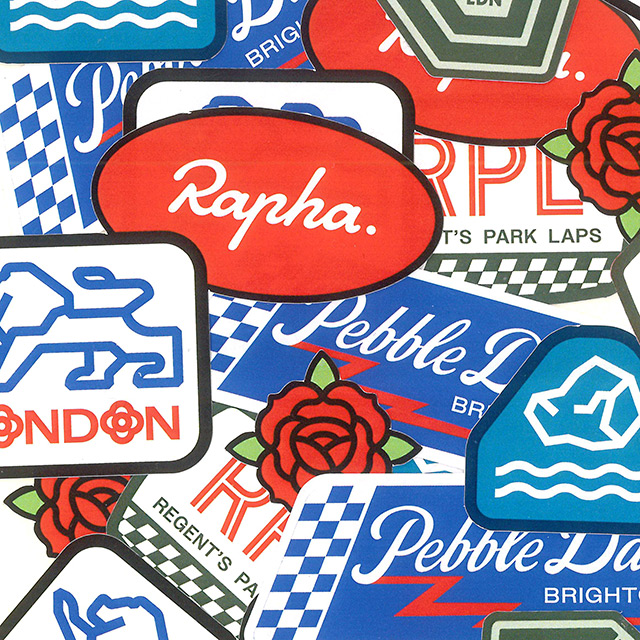
Before supplying your artwork please have a read of our specifications for print ready files to ensure the best results.
We recommend supplying your files as high-resolution PDFs. Files can also be supplied as AI (Adobe Illustrator), EPS, PSD and high-quality JPEG or PNG files. Make sure images are embedded and fonts outlined where possible.
Printing uses CMYK toner (cyan, magenta, yellow & black). Please make sure that your files are set up and supplied with a CMYK colour profile, so that you have more control over the final print result. If supplied in RGB (red, green & blue) this can affect the colour reproduction (as RGB is used for digital, where the colours are light-based).
Always set up and export your file at 300dpi for the best print quality. Lower resolutions are typically used for viewing digital files on screen and can result in print runs that are pixelated or blurry.
Include a 3mm bleed on all sides of your artboard and extend your artwork to cover this area. This allows more room when trimming to prevent white edges. Export with crop marks to make sure your artwork is trimmed accurately.
When supplying artwork for signage, stickers or garments, outline all fonts to avoid substitution issues as we may not have all fonts on file.
Set your file to the final desired print size with bleed and trim guides included during export. This makes sure no resolution is lost by scaling up.
Name your files clearly and using version control to ensure the most up-to-date file is used when going to print.
