A tasty menu needs an appetising appearance. We offer a full in-house menu design and print service, or we can print directly from a supplied file.
Soho Printstore offer a restaurant menu printing service like no other in Soho, London. We are the local choice for Soho restaurants looking for a reliable menu printing service and can even offer a same day turn around on those urgent menu printing jobs that just can’t wait.
Based centrally on Broadwick Street, Soho Printstore is located just a short walk away from many popular restaurants in the surrounding Soho area, including those on D’Arblay Street, Wardour Street, Dean Street, Brewer Street and Berwick Street.
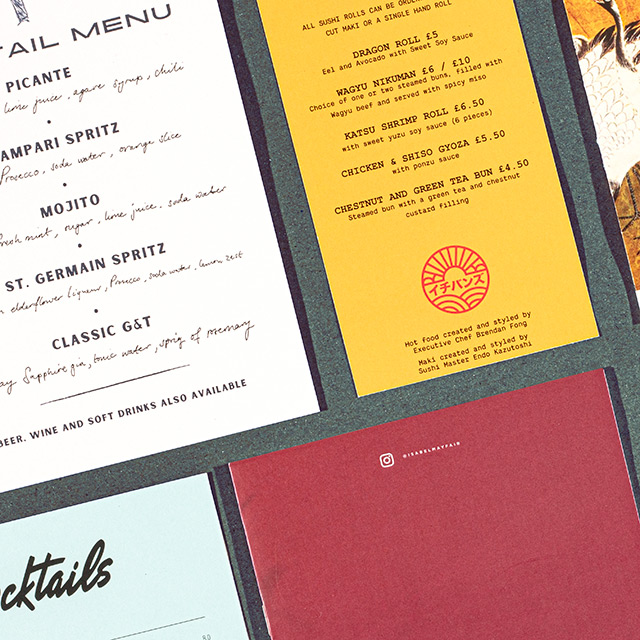
From beautifully British cuisine to exotically spicy Mexican, from grilled steaks to pan-fried seafood, the eating out choices offered in Soho is extensive. And with so many restaurants situated in such a close proximity to Soho Printstore, it’s no surprise that we offer a menu printing service to cater for all food menu types that might be required, including a la carte, buffet, speciality, dessert and breakfast menu printing, as well as menus for bar snacks. The options are endless!
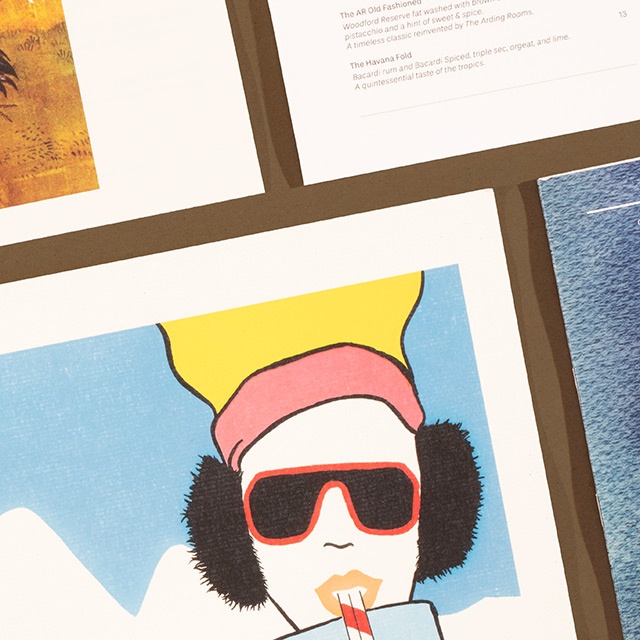
Soho Printstore’s menu printing service can also offer an eco-friendly solution for restaurants wishing to reduce their carbon footprint, with many recycled paper menu printing options available. Economical and disposable, you will be able give each new patron a brand new, fresh and clean menu to browse from.
Whether your Soho restaurant offers modern British cuisine, Japanese sushi, American fare steaks, Chinese, Taiwanese or even Lebanese food and drinks, Soho Printstore have a menu printing option suitable for you and your Central London restaurant, bistro, café or coffee shop. Particularly useful and popular is Soho Printstore’s short print run option, meaning that your restaurant only needs to have the exact number of menus printed that are required, so you don’t need to pay for any menus that aren’t needed.
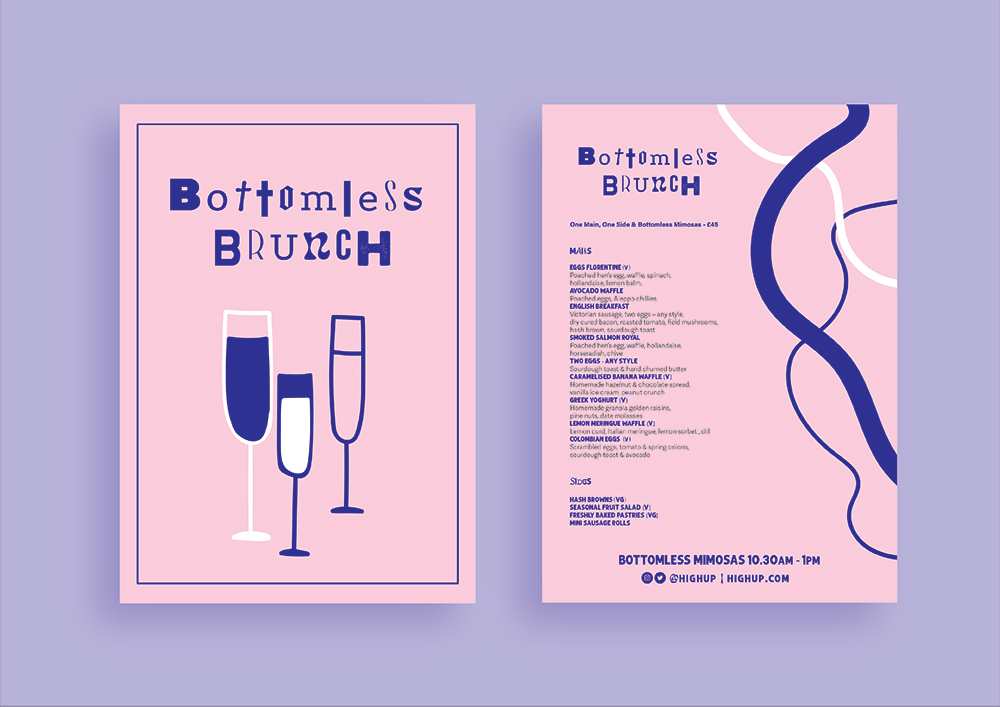
In addition to this great service, you can also easily make regular changes or updates to your printed food and drinks’ menus with Soho Printstore’s menu updating service – especially useful during seasonal menu changes (such as Valentine’s or Christmas) or when inevitable price increases are required.
Soho Printstore are able to print menus that have already been created as high-resolution files in the correct format, or alternatively, we also offer a menu design service if required. Just ask in store and one of Soho Printstore’s friendly and experienced members of staff will be only too happy to advise you on any of our menu design services.
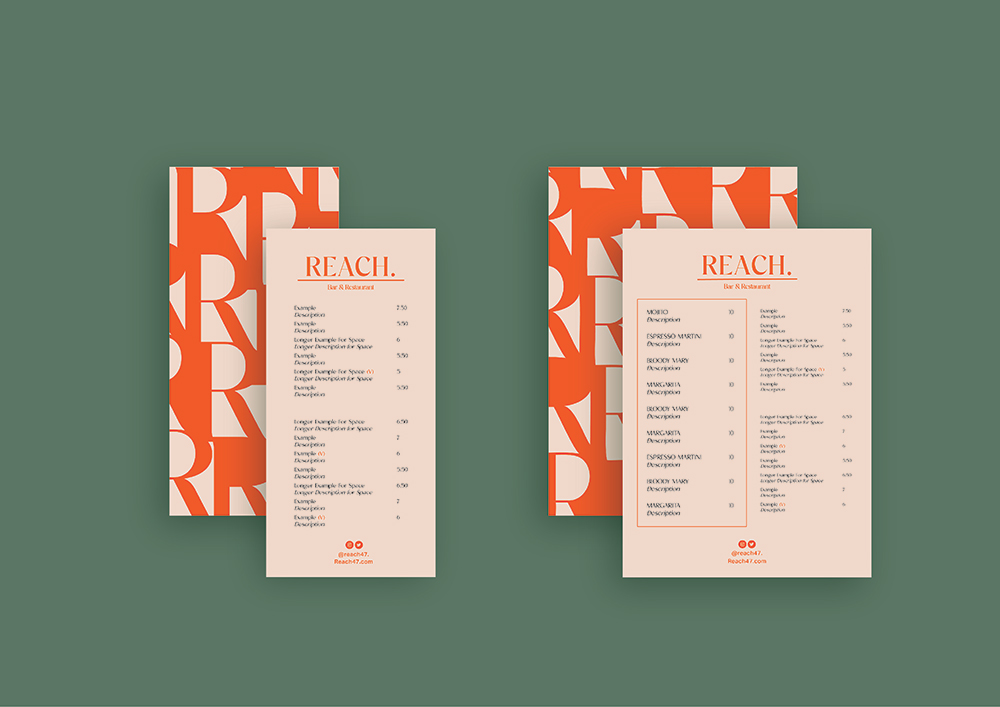
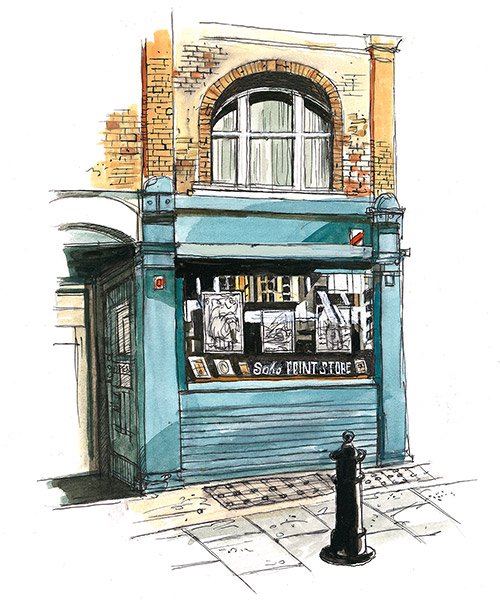
Whether you need a menu printed for your contemporary European restaurant, a café offering vegetarian and vegan options, or even a takeaway venue, if you’re located in Soho, W1 or nearby areas such as Leicester Square, Covent Garden or Regent Street, our menu printing service is exactly what you’ve been looking for. With same day turnaround and recycled paper options, as well as short print runs and a menu updating and design service, Soho Printstore offers everything you need and more.
If you wish to make an order please contact us via email and we will get back to you as soon as possible.
Before supplying your artwork please have a read of our specifications for print ready files to ensure the best results.
We recommend supplying your files as high-resolution PDFs. Files can also be supplied as AI (Adobe Illustrator), EPS, PSD and high-quality JPEG or PNG files. Make sure images are embedded and fonts outlined where possible.
Printing uses CMYK toner (cyan, magenta, yellow & black). Please make sure that your files are set up and supplied with a CMYK colour profile, so that you have more control over the final print result. If supplied in RGB (red, green & blue) this can affect the colour reproduction (as RGB is used for digital, where the colours are light-based).
Always set up and export your file at 300dpi for the best print quality. Lower resolutions are typically used for viewing digital files on screen and can result in print runs that are pixelated or blurry.
Include a 3mm bleed on all sides of your artboard and extend your artwork to cover this area. This allows more room when trimming to prevent white edges. Export with crop marks to make sure your artwork is trimmed accurately.
When supplying artwork for signage, stickers or garments, outline all fonts to avoid substitution issues as we may not have all fonts on file.
Set your file to the final desired print size with bleed and trim guides included during export. This makes sure no resolution is lost by scaling up.
Name your files clearly and using version control to ensure the most up-to-date file is used when going to print.
